Creating a New Account
The user will receive an email through which they set their password during the first login.
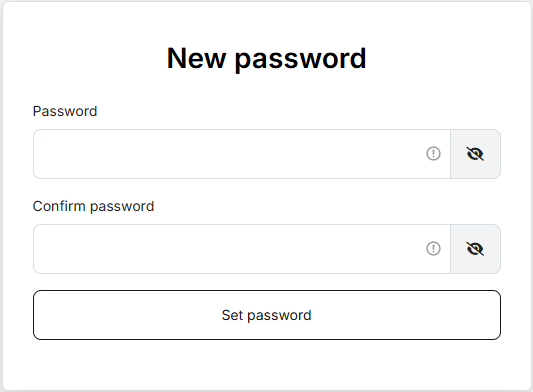
They will then receive a confirmation email about the password change. After that, the user either sets up an authenticator or immediately proceeds to log in via EMAIL.
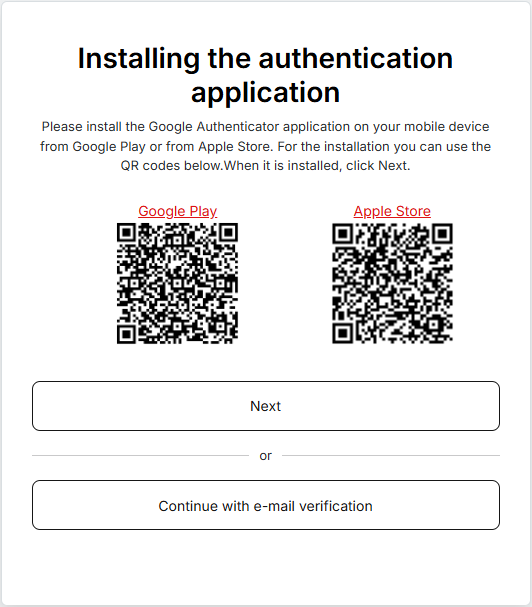
If the user chooses the authenticator, they add a new account to the Google Authenticator app (available on Google Play and Apple Store) using the displayed QR code. After successfully entering the one-time code from the app, the user is logged into MEPO.
If the user chooses EMAIL, they will receive a one-time login code via email. After successfully entering it, they are logged into MEPO.
Password requirements can be found in the chapter Changing and resetting password.
Note: If there is a problem displaying the QR code or the password setup link is invalid, perform a password reset and repeat the entire password and OTP setup process.