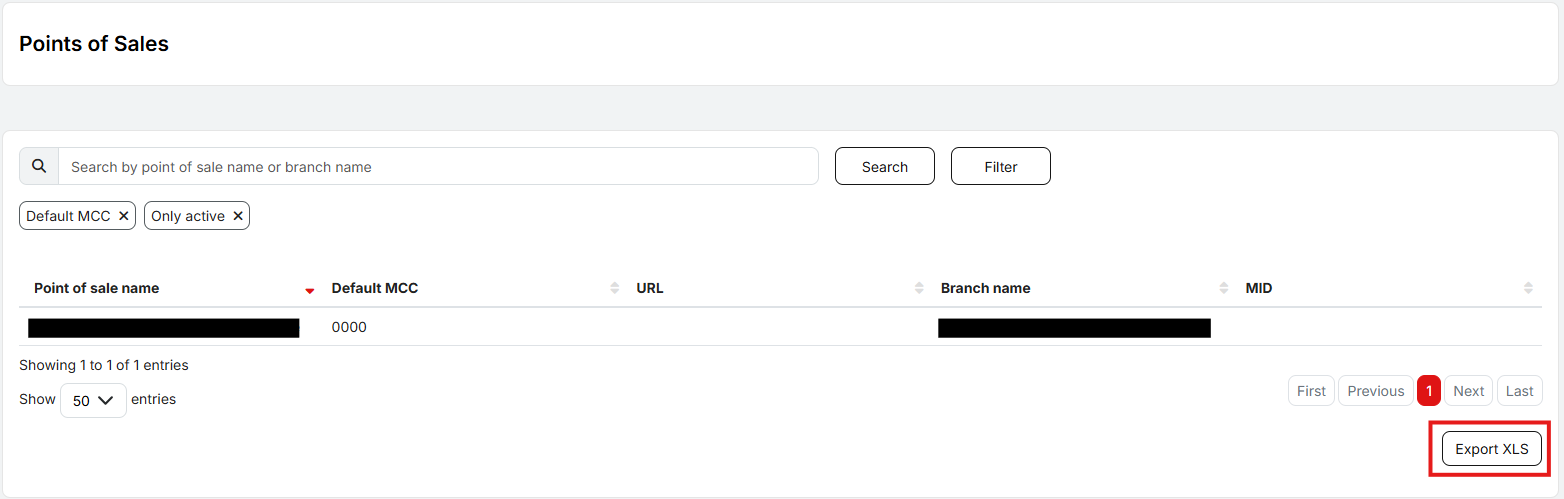
Points of Sale
Points of Sale (POS) are specific locations where payment terminals are located. A single branch can have multiple points of sale. By default, only active POS are loaded. To view deactivated POS, the user must uncheck the Only active filter above the table.

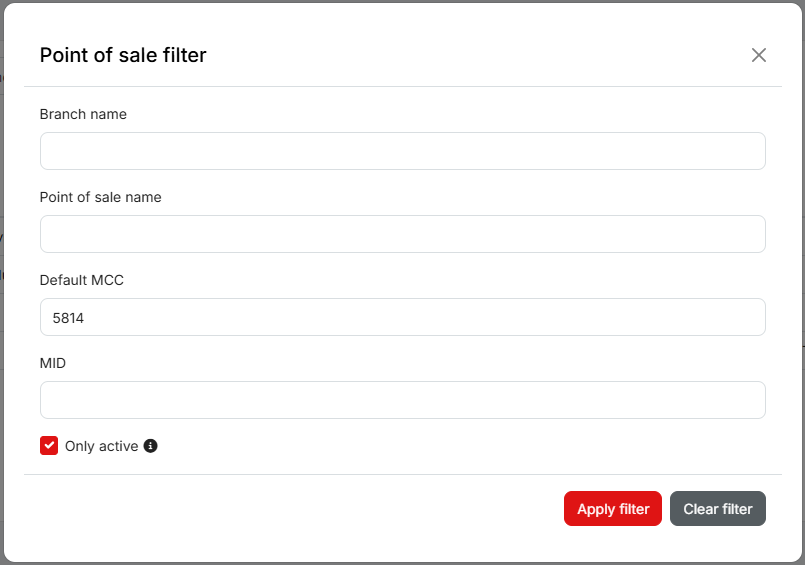
It is possible to quickly find a specific POS by typing its name or the branch name into the search field. Using the Filter, the POS can also be searched by MID or filtered by branch name or default MCC.
The list of POS can be exported to XLS.