Logging into the Merchant Portal
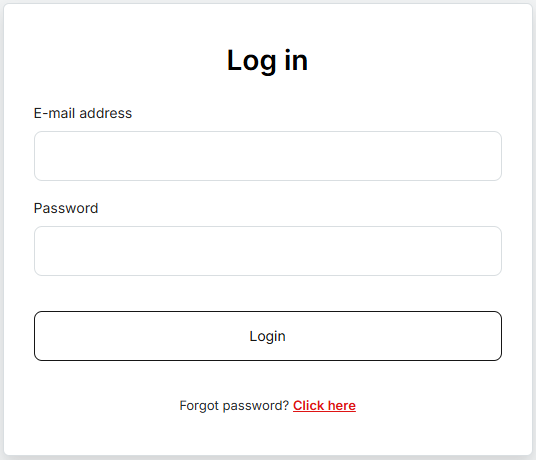
Users log into the system using their email address and password, entered into the respective fields E-mail address and Password on the home page of the Merchant Portal.
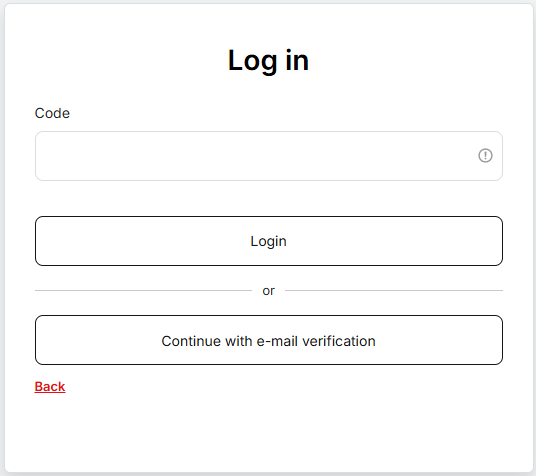
After submitting this information, a unique OTP code is required, which can be obtained from the Authenticator app or from an email. The user enters this code into the Code field.
If the user has previously set up an authenticator, entering the code from the app is always offered as the first option. However, by clicking the button below, they can also choose to log in using an OTP via email.
If the user has never set up an authenticator for logging into MEPO, they must continue by logging in using an OTP from email.
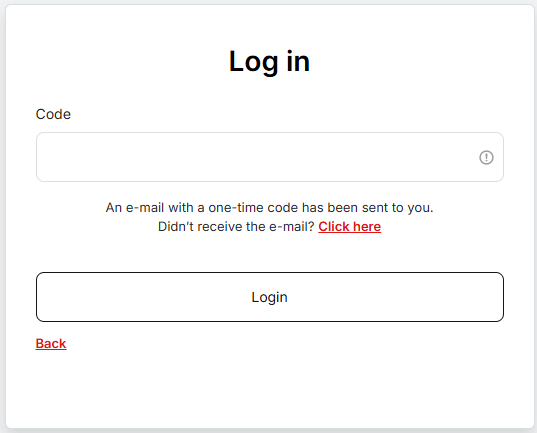
After confirmation, the user is redirected to the web application.
A logged-in user can activate the authenticator in the My Account section via the Activate OTP button.
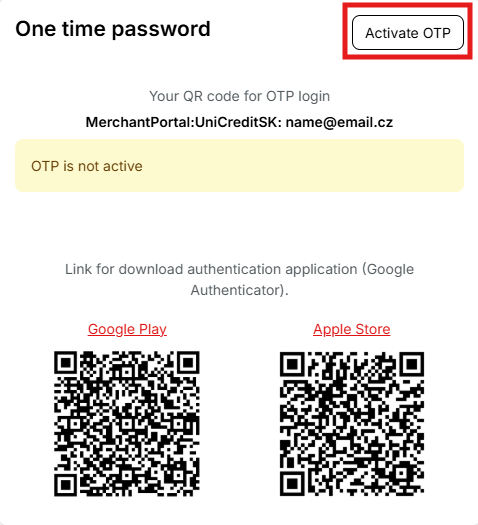
A user who is not logged in can alternatively activate the authenticator via Forgot Password, together with changing the password.