Branches
The Branches section shows an overview of registered branches. By default, only active branches are loaded. If the user wants to view deactivated branches as well, they should uncheck the Only active filter above the table.
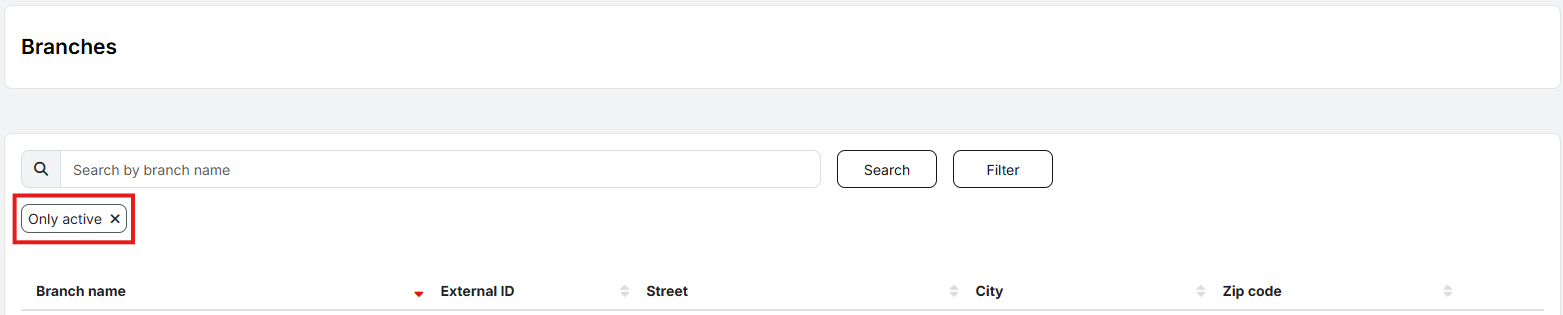
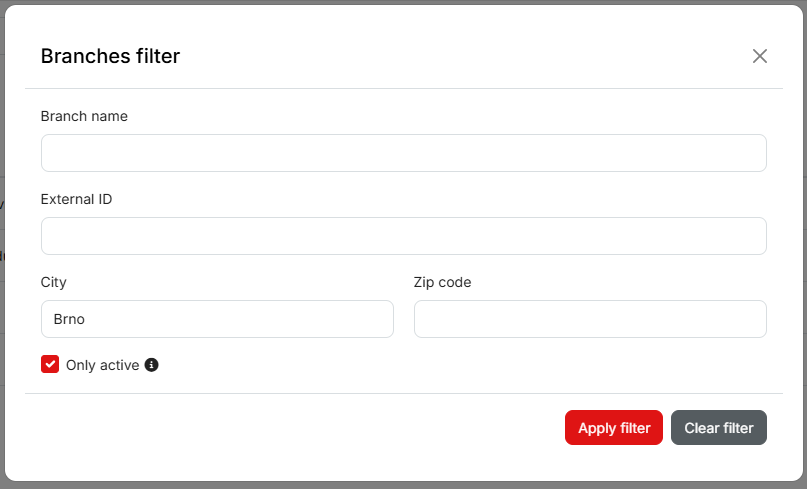
It is possible to quickly find a specific branch by typing its name into the search field. Using the Filter, branches can also be searched by External ID or filtered by City name or ZIP code.
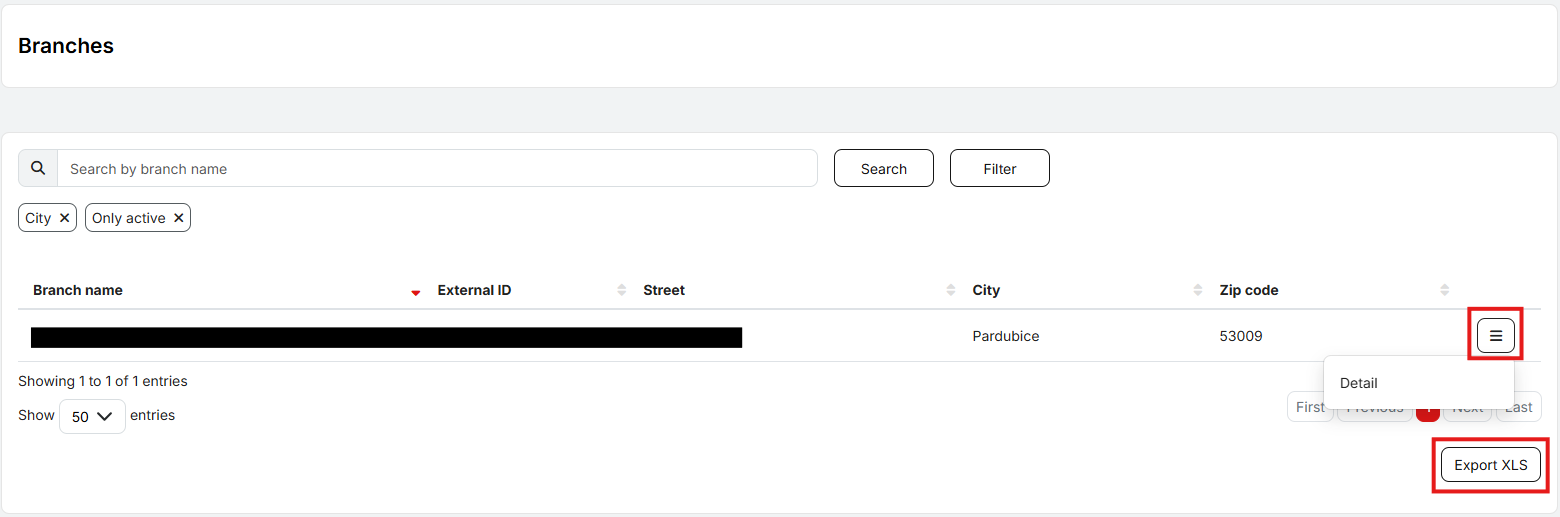
The list of branches can be exported to XLS. The user can also view detailed information for a selected branch.
The detailed branch information page can be exported to a PDF file by clicking the Export to PDF button.