Transactions
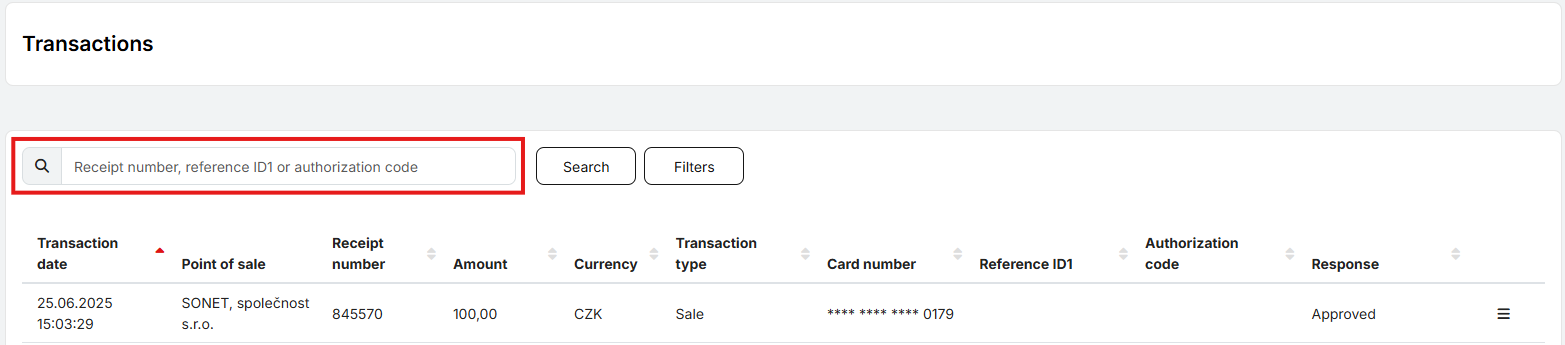
The Transactions section displays an overview of transactions carried out at branches the user has access to. It is possible to quickly search for a specific transaction by entering the receipt number, reference ID, or authorization code into the search field.
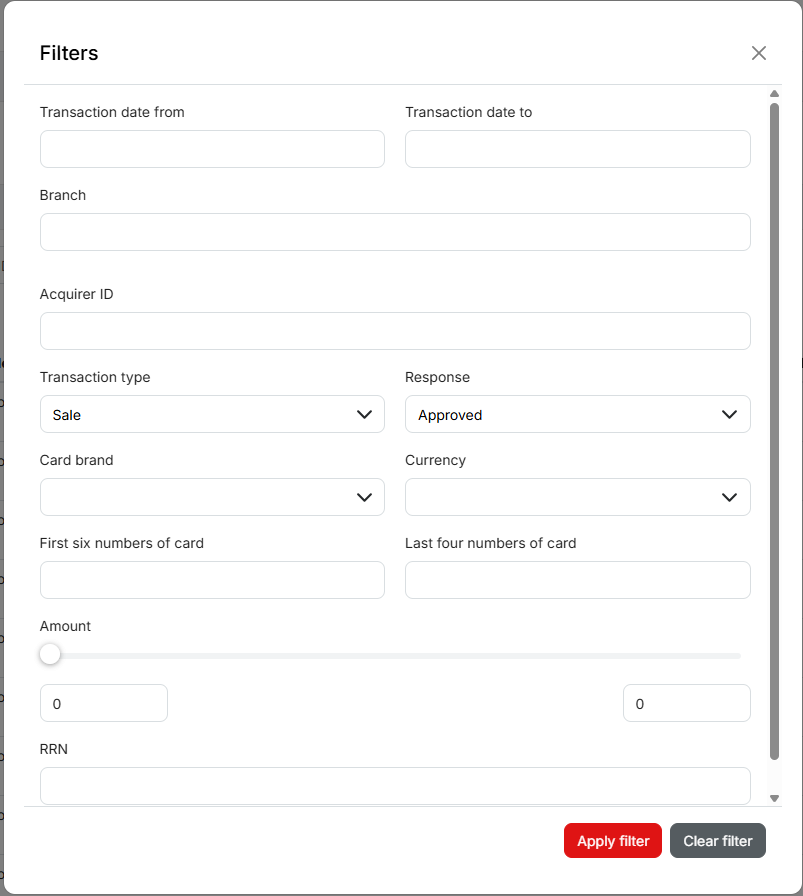
Using the Filter, transactions can be filtered by date, amount, currency, and other attributes.
The transactions overview can be exported to XLS. A custom XLS export is also available, where the user can choose which data to include in the resulting file.

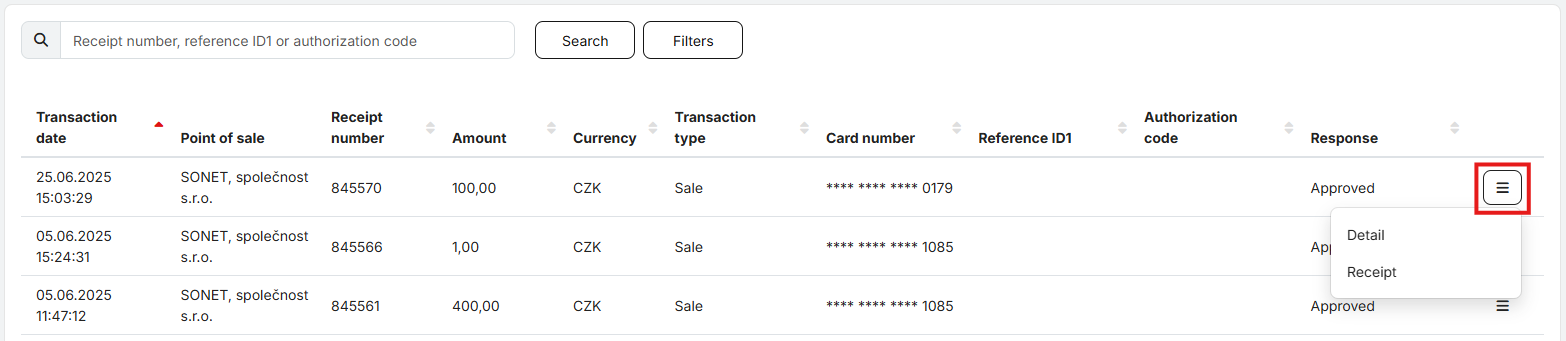
For a specific transaction, it is possible to view its details or display the receipt. The receipt can be downloaded as a PDF or printed directly.